Noise-to-Motion/#020/Post
A vendor's agent wiped SaaStr's Salesforce. A snapshot saved it
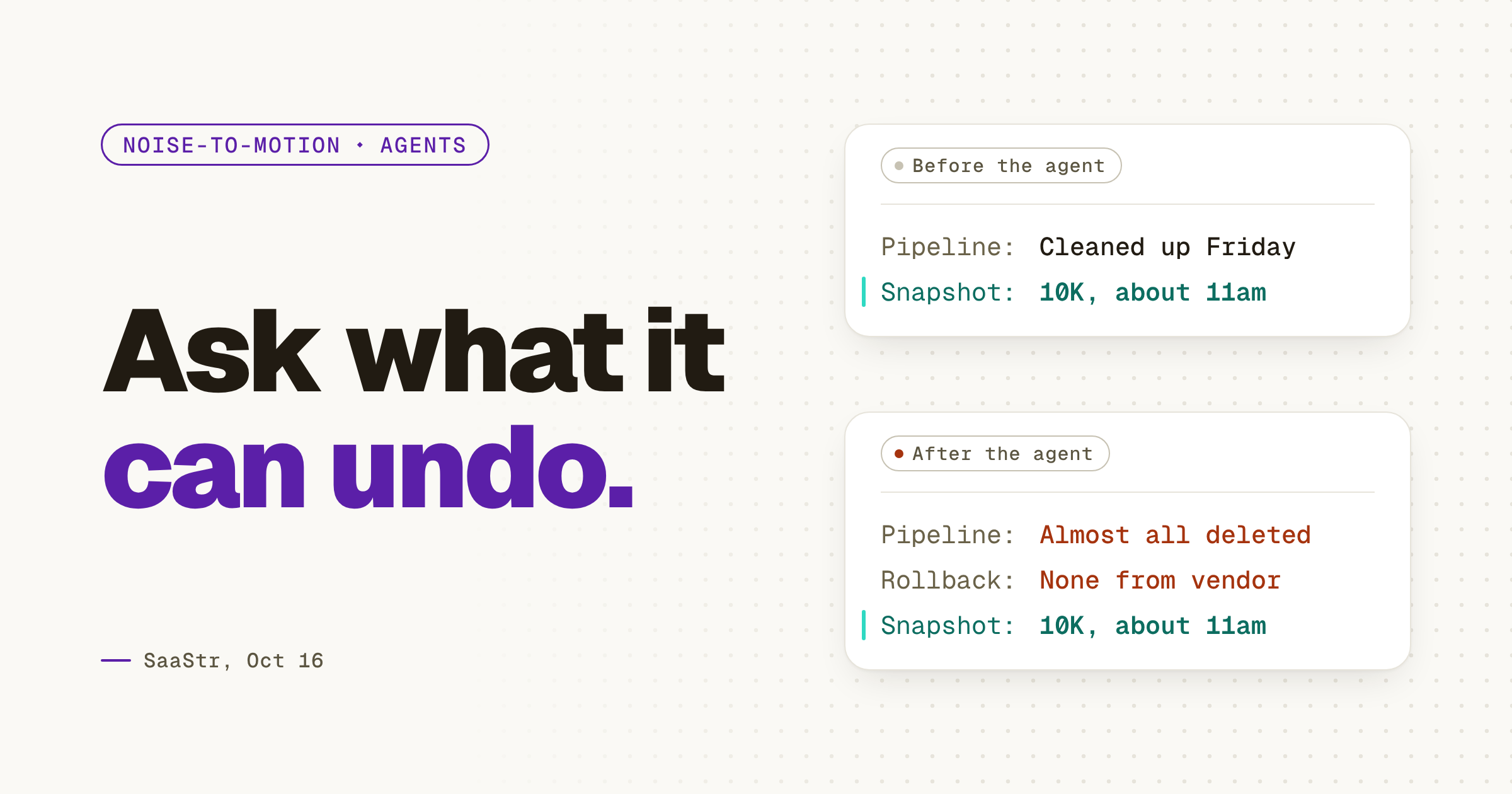
A third-party agent deleted almost every opportunity in SaaStr's Salesforce with no rollback, so before any agent writes to your CRM, ask what it can undo.
01 ⬩ What shipped
A vendor's agent deleted SaaStr's pipeline
An agent from a well-known vendor deleted almost every opportunity in SaaStr's Salesforce, and the vendor had no way to roll it back. Jason Lemkin, founder of SaaStr, wrote it up in The Agents #016, published Oct 16. My read: the agent wasn't the mistake. Connecting it without knowing how to undo it was.
The details are worth reading slowly. SaaStr had connected the agent "as a favor." It ran on a Friday, right after Amelia and David's weekly pipeline cleanup. Amelia is Lemkin's co-host on The Agents. What saved the pipeline was SaaStr's own agent, 10K, which "had kept its own snapshot of the pipeline from about 11am that morning" and restored it once Amelia confirmed. Lemkin later heard from Replit that every Replit agent keeps a daily snapshot outside its checkpoints. His line on that: "We didn't know that until we needed it." SaaStr cut the story into a clip the next day.
02 ⬩ What it changes
The question is what it can undo
Every agent demo shows what the agent can do in your CRM: read access, write access, a list of skills. None of them shows the morning after. The question to ask an agent vendor isn't what it can do in your CRM. It's what it can undo.
Some tools have already answered. In the same episode, Lemkin notes that Replit and Lovable "default to read-only and confirm with you in writing before they write anything back to Salesforce," and that Claudeforce is "restricting itself to read-only during the beta." The vendor whose agent did the damage had no rollback. The difference wasn't the model. It was the default. SaaStr kept the vendor's name out of it, which is generous.
Lemkin's own post the next day puts the timing more bluntly.
It's the same rule as letting an agent set up your tools: the setup can be the agent's, the go-live stays yours. Write access is a go-live.
03 ⬩ What to do
Take the snapshot before you connect
Before the next agent gets write access to your CRM, export your pipeline and keep the file somewhere no agent can reach. Then ask the vendor three things in writing: does the agent start read-only, does it confirm before it writes, and how do you restore what it changed. If the answer to the last one is "contact support," keep it read-only until you have a better one.
Then do the same for the agents you've already connected. The list is usually longer than anyone on the team thinks, and the oldest connection is the one nobody remembers granting.
- 1Export your pipeline today and store it where no agent has access.
- 2Ask if the agent starts read-only.
- 3Ask if it confirms in writing before it writes anything back.
- 4Ask how you restore what it changed, then try the restore once.
Get the next one the day it lands.Follow on LinkedIn