Noise-to-Motion/#012/Post
ChatGPT Ads will rewrite your ads from Oct 30. Opt your tests out
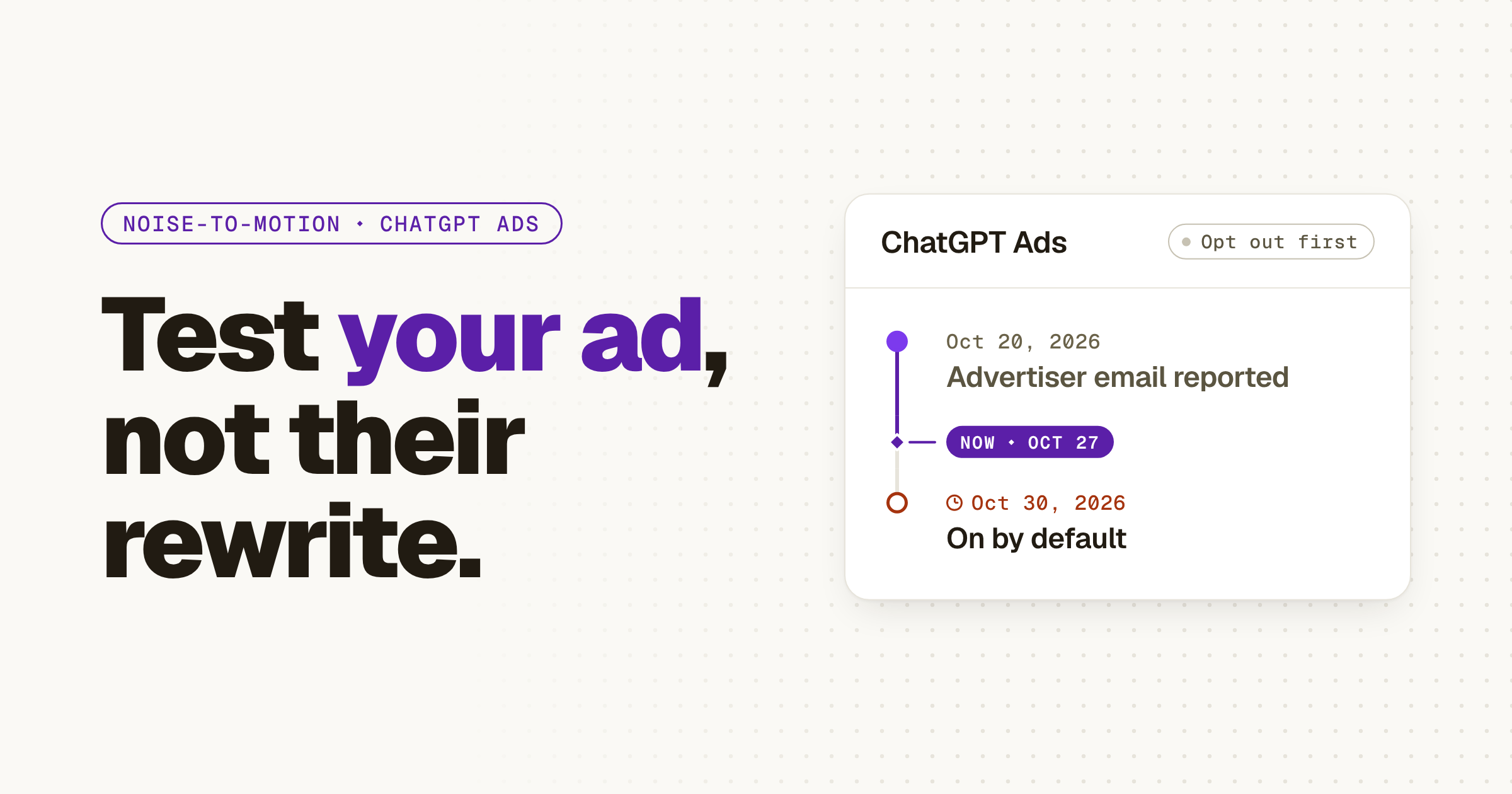
OpenAI switches on creative enhancements for every self-serve ChatGPT Ads campaign on Oct 30, so your ads can be rewritten and rerouted without your review; turn it off on any campaign you're judging as a test.
01 ⬩ What shipped
OpenAI turns on ad rewrites by default on October 30
OpenAI will switch on creative enhancements for every new and existing self-serve ChatGPT Ads campaign on Friday, October 30, 2026, unless the advertiser opts out first. My read: if you're running a small ChatGPT Ads test, you're about to stop testing your ad and start testing OpenAI's rewrite of it.
OpenAI's help page lists what can change. It may write new headlines and descriptions to fit the conversation, translate the ad into another language, resize images, and send the click to a different page on your site than the one you set. Variations can be made in real time, they run without your review, and there's no preview of every one. Opt-outs you've already set at the account or campaign level carry over, and a campaign setting beats the account default.
Barry Schwartz, who runs Search Engine Roundtable, got the advertiser email on Oct 20 and posted it.
The email, as Search Engine Roundtable published it, reads: "Starting Friday, October 30, 2026, we'll enable creative enhancements for your new and existing self-serve campaigns." OpenAI's help page now gives the same date.
02 ⬩ What it changes
A result you can't trace back to your ad
A small team tests a new ad channel with a few ads, one landing page and a read on lead quality a few weeks in. That read only means something if you know what the buyer saw and where they landed. From October 30, by default, you know neither. The headline was written for a conversation you'll never see, and the page may be one you didn't pick.
OpenAI says it on its own help page: "Changes over time do not, on their own, establish the effect of creative enhancements." I'd put it more plainly. With rewrites on, your test stops measuring your offer and starts measuring OpenAI's copywriter, and you can't tell which one the lead answered.
The page swap matters most on a B2B site, where the page a click lands on usually carries the form, the routing and the tracking you set up for that campaign. A setting that arrives switched on is a decision someone else made for you, which is the whole argument of On by Default Is Not Approved by Default.
Melissa Mackey, head of paid search at Compound Growth Marketing, had already paused her own ChatGPT Ads test.
03 ⬩ What to do
Decide campaign by campaign before October 30
Open ChatGPT Ads Manager and find the creative enhancements setting in your ad account settings. Schwartz's screenshot shows it already switched on for him, so check yours rather than assume it's off. Then go through your campaigns one at a time.
If a campaign is a test you'll judge on lead quality, turn enhancements off at the campaign level, so the ad and the page you wrote are the ones that run. If a campaign is there for reach, leaving them on is a fair call, as long as you read its results as OpenAI's version, not yours. Either way, save a copy of every ad and its landing page URL as they stand today. Once rewrites run, that copy is the only record of what you wrote.
- 1Open your ad account settings in ChatGPT Ads Manager and find creative enhancements.
- 2Turn it off on every test campaign you'll judge on lead quality.
- 3Save each ad and its landing page URL as they stand today.
- 4Label any campaign left on so its results read as OpenAI's version.
04 ⬩ Sources
Where this came from
- Creative enhancements for ChatGPT Ads, OpenAI Help Center,
- OpenAI Auto Enabling Creative Enhancements In ChatGPT Ads, Search Engine Roundtable,
- Barry Schwartz (@rustybrick) on X,
- Melissa Mackey (@Mel66) on X,
Get the next one the day it lands.Follow on LinkedIn