Noise-to-Motion/#003/Post
Google Ads lead forms now tag qualified leads. Pick the answers
Google Ads lead forms on Search can now mark the answers that make a lead qualified, so tell Google what a good lead is before it sends you more form fills.
01 ⬩ What shipped
Lead forms can now say which leads count
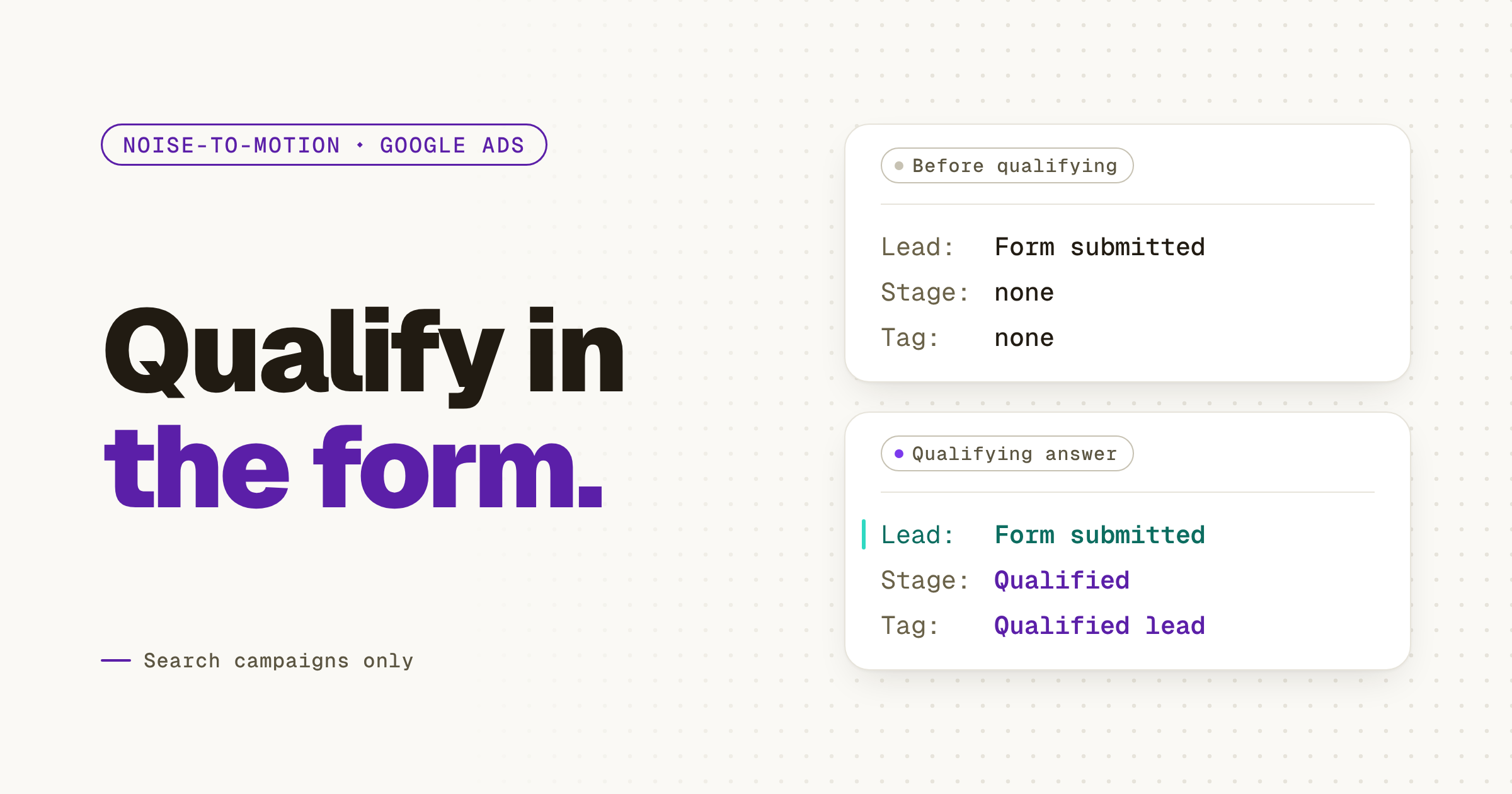
Google Ads lead forms on Search campaigns can now tag a submission as a qualified lead. You add a multiple-choice question, mark the answers that make someone worth a call, and any submission with one of those answers comes through tagged. My read: it moves the first question your sales call asks into the ad itself, which is where it belonged all along.
Dafne Nazar spotted the new checkbox, and PPC News Feed wrote it up on Oct 15. Barry Schwartz flagged it on X the next morning and on Search Engine Roundtable. Google's own page, About qualifying responses in lead forms, says how it works. The tag rides along in your CSV, webhook and API data as a Lead stage. A new conversion action, "Lead form - Response qualified (Google-hosted)", lands in your Qualified lead goal.
02 ⬩ What it changes
The form was never the junk filter
The first lead form I ran for a B2B company filled a sheet by lunch. By Friday nobody on the sales side was opening it. The names were real. The intent wasn't. A lead form asks for a name and an email, and both are free to give.
Most lead form junk isn't a targeting problem. You never told Google what a good lead looks like, so it found you more of whatever filled the form. Smart Bidding learns from the conversion you count, and until now that conversion was the form. Now it can be the answer.
There's a cost. Google says qualifying questions are required and can't be marked optional, and every required field costs you some submissions. I'd pay it. A form that sends fewer leads your sales lead actually opens beats a full sheet nobody reads. I've met that sheet.
It's the old split: the context isn't the decision. The form collects context. The qualifying answer is a decision you made in advance.
03 ⬩ What to do
Ask the question your first call asks
Pick the one question your first sales call always asks. For the companies that actually buy from you it's usually team size, timeline or the tool they're replacing. Make it a multiple-choice question on the lead form, mark the answers you'd take a call for, and leave the rest unmarked. Then open the campaign's goals and check that Qualified lead is in them, so the bidding counts the answer and not just the form.
Give it two weeks before you judge it. Read the qualified share on the Leads page, not the total. The total may drop. That's the point.
- 1Open Assets, then Lead Form and create or edit a lead form on a Search campaign.
- 2Add a custom question with multiple-choice answers.
- 3Tick Qualifying on each answer you'd take a call for.
- 4Check the Qualified lead goal holds "Lead form - Response qualified (Google-hosted)".
04 ⬩ Sources
Where this came from
- About qualifying responses in lead forms, Google Ads Help
- Lead Forms Now Allow Advertisers to Qualify Leads, PPC News Feed,
- Barry Schwartz (@rustybrick) on X,
- Google Ads Lead Form Adds Lead Scoring For Lead Qualification, Search Engine Roundtable,
Get the next one the day it lands.Follow on LinkedIn