




What is Civic Nexus?
Civic Nexus is your AI assistant. It works inside the tools you already use, like GitHub, Slack, Dropbox, Notion, and Google Workspace, so you can ask it to find information, draft content, organize work, and complete tasks without switching apps.
Getting set up
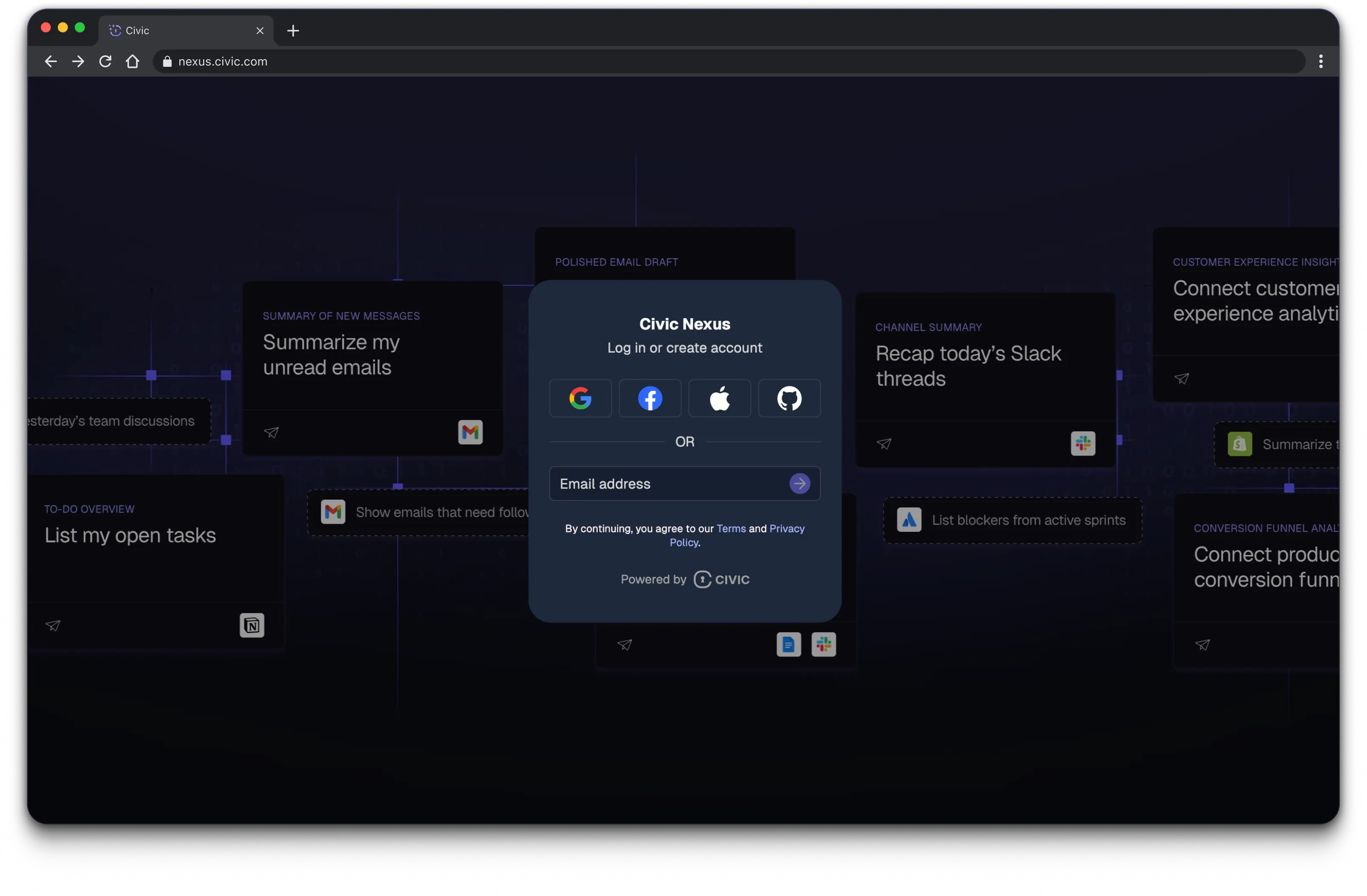
It takes just minutes to get up and running:
1. Create an account at nexus.civic.com.
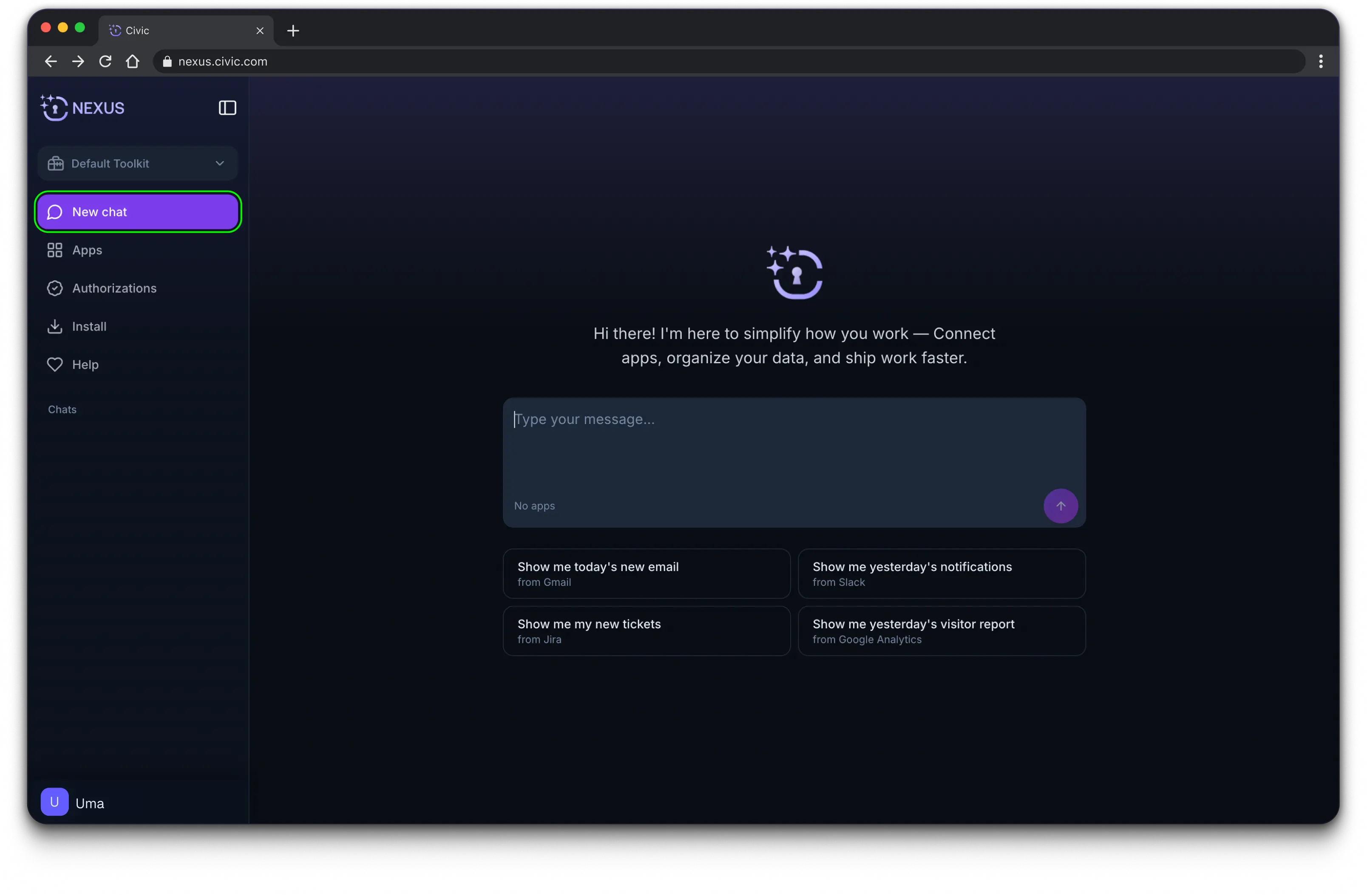
2. Start chatting with Nexus right away.
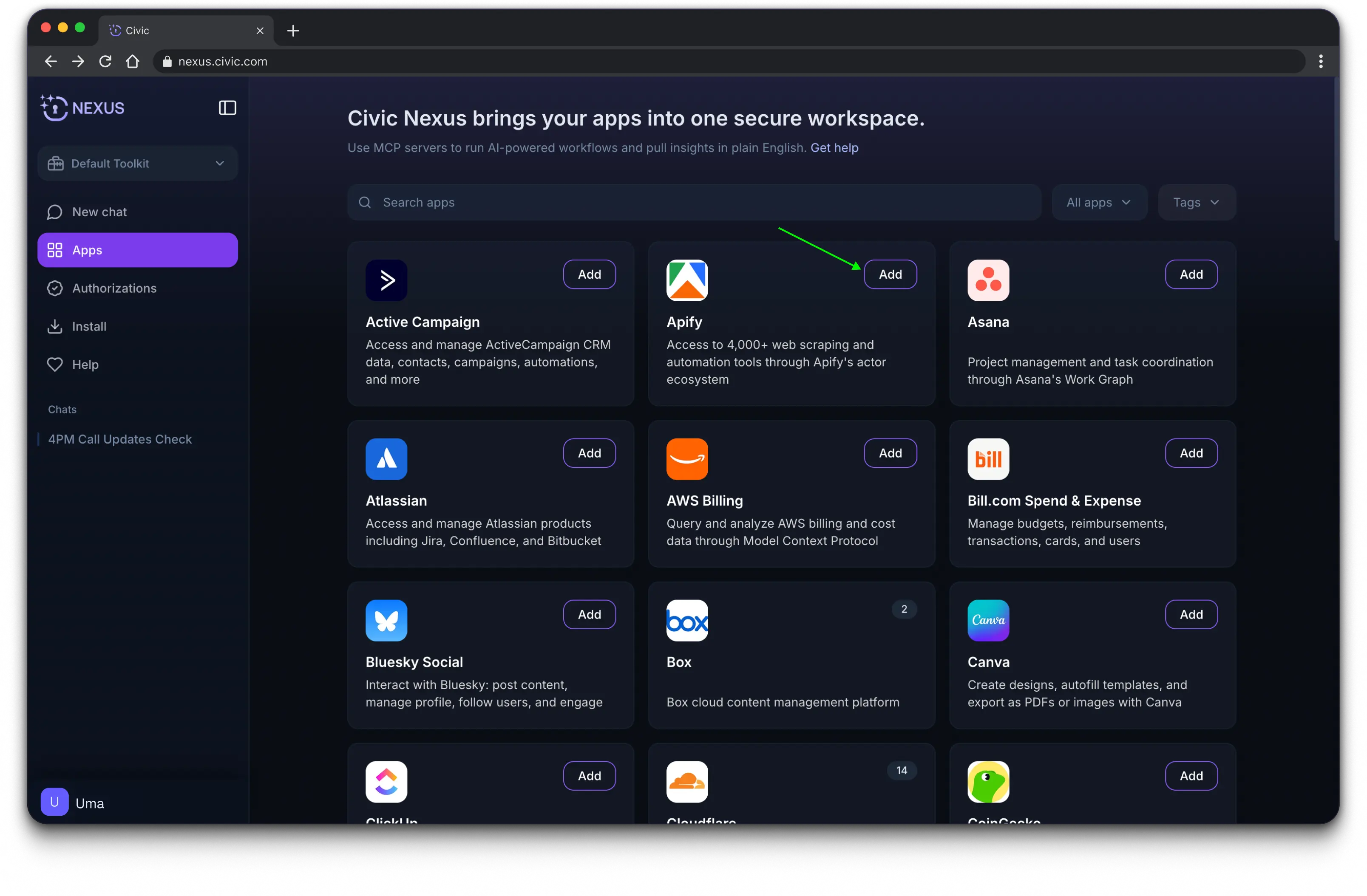
3. When you need access to a specific app, you can either:
- Prompt Nexus to connect it. You’ll be guided through authorization in the moment, or
- Go to the Apps page and select the tool you’d like to connect.
Tip: Nexus reads prompts top to bottom. If you include questions, inputs, or parameters, place them at the very top of your prompt so they aren’t ignored.
Who is Nexus for?
If your day involves jumping between tools, checking multiple systems, sending updates, pulling data, or tracking tasks, Nexus is built for teams like yours:
- Marketing Operations. Pull analytics, organize content, automate reporting, track campaigns, and share insights.
- Sales Operations. Update CRM records, sync data across systems, automate follow-ups, and generate clean summaries for leaders.
- Revenue Operations. Connect CRM, billing, analytics, and communication tools so AI can reconcile data, build reports, and surface trends.
- Partner Success. Quickly access partner data, update shared workspaces, track activity, and automate communications.
- Service & Operations. Streamline workflows, manage documentation, route requests, and keep tools in sync.
- Finance. Pull numbers from systems, compile financial updates, prepare reporting inputs, and automate recurring tasks.
- Business Intelligence. Query databases, pull dashboards, package insights, and distribute updates.


